Scene Illustration V2.0
AI prompt engineering for scene illustration, 10 themes & 8 styles
Scene Illustration V2.0
AI prompt engineering for scene illustration, 10 themes & 8 styles
Showcase
Description
Scene Illustration: AI scene illustration prompt engineering skill, covering 10 major themes (portrait, landscape, city, fantasy, sci-fi, history, life, animals, plants, architecture) and 8 art styles (realism, oil painting, watercolor, illustration, anime, cyberpunk, classical, modern art). Includes camera language, composition, perspective, lighting, color, style keywords, Seedream V4.5 prompt engineering, camera scripting, and pitfall avoidance guide. Applicable to: (1) Illustrator inspiration generation, (2) Designer scene concept art, (3) Storybook creation, (4) Commercial illustration. Trigger keywords: illustration, scene illustration, concept art, character illustration, landscape illustration, fantasy illustration, prompt, camera, lighting.
Related Skills
View all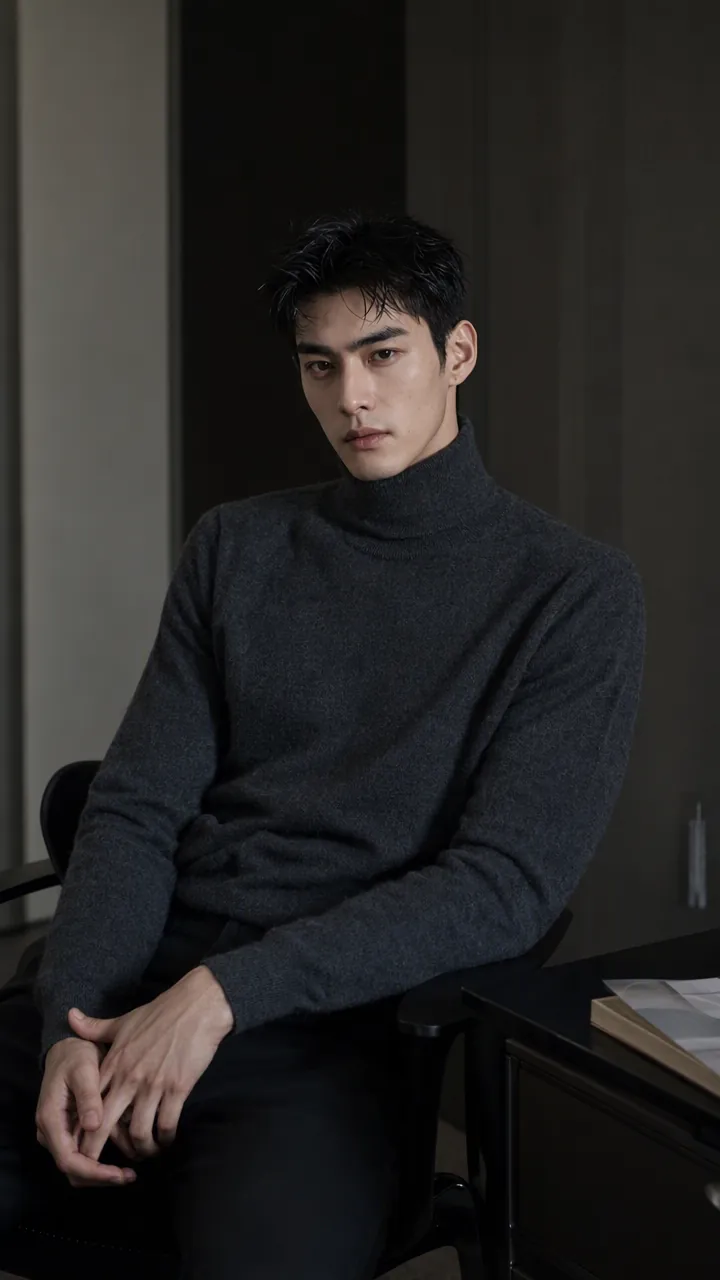 Image
ImagePrecise AI Character Images
Turn the character you envision into ready-to-use prompts and finished images. Start with a seed description or a broad theme, then define key details step by step, including hairstyle, hair accessories, clothing, expression, pose, camera, lighting, and setting. Whether you’re creating a classical Chinese woman, a cyberpunk girl, a Japanese-style character, a realistic portrait, or a custom character concept, you can develop a cohesive visual direction based on the character’s overall mood. Choose Quick Image Generation to let AI complete the character design automatically, or use Fine Control to adjust each element through selections or custom input. Results include structured prompts in both Chinese and English, along with a matching Negative Prompt, making them easy to understand and reuse with leading models such as FLUX, Midjourney, and SDXL. You can also generate the finished character image with AI. After generating an image, continue fine-tuning specific dimensions, such as hairstyle, expression, pose, camera angle, lighting, setting, or art style. Regenerate while keeping the other details unchanged, with each modification clearly identified. Ideal for character design, character concept art, avatar creation, illustration planning, and exploring visual directions.
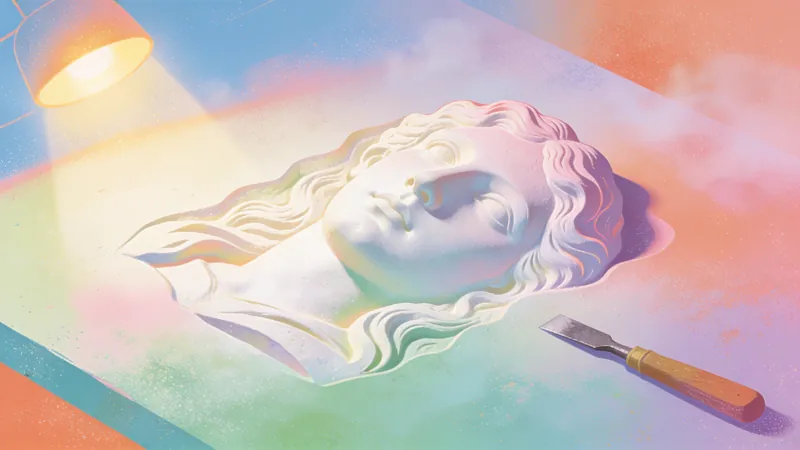
3D Relief Art
3D Relief Art prompts description: AI 3D relief art prompt engineering skill, covering 8 major types (metal relief/stone relief/wood relief/3D pop-up card/bounce button/isometric 3D/3D glass/3D neon) and 6 major applications (UI design/poster/cover/brand/IP mascot/decoration). Includes material rendering, light and shadow control, depth creation, perspective selection, Seedream V4.5 prompt engineering, material keyword library, and pitfalls avoidance guide. Suitable for: (1) designer 3D element generation, (2) poster and cover design, (3) UI 3D button, (4) brand 3D image. Trigger keywords: 3D, relief, 3D rendering, stereoscopic, 3D icon, 3D text, 3D poster, isometric 3D, 3D illustration, 3D logo, UI 3D button, bento 3D.
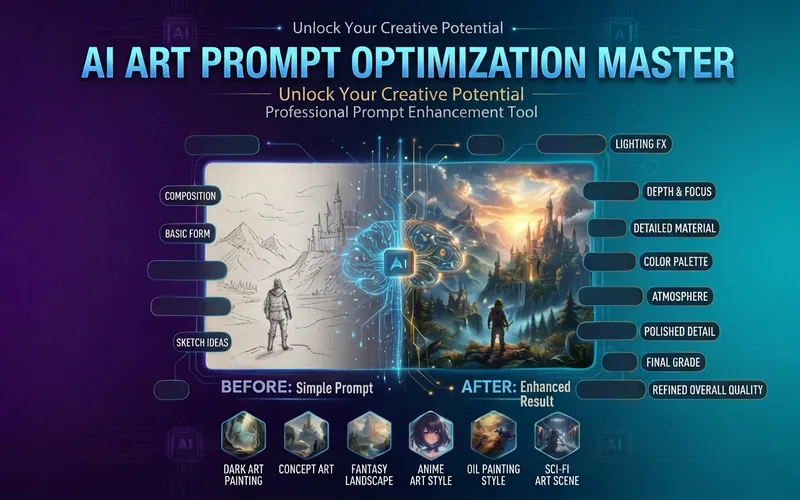
AI Prompt Master | MJ/SD 🎨
Simple descriptions instantly become professional prompts, boosting AI image quality by 10x! ✨ Core Features: • Convert casual descriptions into professional Prompts • Supports major tools like Midjourney, Stable Diffusion, DALL-E • Automatically adds: lighting, composition, texture, style, parameters • Provides multiple prompt versions (photorealistic/illustration/concept art) • Includes recommended parameters and negative prompts 🎯 Target Audience: Designers, illustrators, AI art creators, brand visual designers 💡 Use Cases: Don't know how to write prompts? Use this! Unsatisfied with generated results? Use this! Want professional-level images? Definitely use this! Make every generation a work of art ✨
Information
- Version
- v3
- Last updated
- Runtime credits
- Usage-based
- Models
- Auto
