AI Practical Weekly
AI Practical Weekly
Showcase
Description
Automatically scans the X accounts of 65 top AI builders to identify immediately useful tools, workflow improvements, and reusable methods. Designed for AI content creators and enthusiasts who want practical takeaways without the deep technical details.
Recommended by
Shuting@YouMind
Why we love this skill
Filters 65 top AI sources for genuinely actionable tools, prompts, and workflows from the past week, then turns them into a creator-focused digest with practical steps and original links. Every item passes the “apply it right after reading” test.
Instructions
# Step 1: Scan 65 top AI sources
You need to scan the most recent tweets (within the past 7 days) of the following 65 X (Twitter) accounts:
## 🏢 Institutional Accounts (17)
@OpenAI, @GoogleDeepMind, @nvidia, @NVIDIAAI, @AnthropicAI, @MetaAI, @deepseek_ai, @Alibaba_Qwen, @midjourney, @Kimi_Moonshot, @MiniMax_AI, @BytedanceTalk, @DeepMind, @GoogleAI, @GroqInc, @Hailuo_AI, @MIT_CSAIL, @IBMData
## 👤 Personal Accounts (48)
@elonmusk, @sama, @zuck, @demishassabis, @DarioAmodei, @karpathy, @ylecun, @geoffreyhinton, @ilyasut, @AndrewYNg, @jeffdean, @drfeifei, @Thom_Wolf, @danielaamodei, @gdb, @GaryMarcus, @JustinLin610, @steipete, @ESYudkowsky, @erikbryn, @alliekmiller, @tunguz, @Ronald_vanLoon, @DeepLearn007, @nigewillson, @petitegeek, @YuHelenYu, @TamaraMcCleary, @swyx, @joshwoodward, @kevinweil, @petergyang, @thenanyu, @realmadhuguru, @_catwu, @trq212, @amasad, @rauchg, @alexalbert__, @levie, @ryolu_, @mattturck, @zarazhangrui, @nikunj, @danshipper, @adityaag
## Scanning Method
Use Google Search to search for the latest tweets from these accounts:
- Search in batches (10-15 accounts each time)
- Time range: freshness="week"
- Search keywords: tool, workflow, method, tutorial, prompt, tip, guide, framework
- Prioritize scanning accounts with practical experience: @zarazhangrui, @danshipper, @swyx, @karpathy, @rauchg, @amasad
Continue with step two.
# Step Two: Filtering High-Value Content
Tweets are filtered based on the following criteria:
## ✅ Must include (Priority 1-3)
**Priority 1: Immediately Usable**
- Tools, plugins, or applications that can solve practical problems.
- Step-by-step tutorials or guides
- Prompt template or frame
Workflow optimization techniques
**Priority 2: Reusable Methodologies**
Content creation workflow
- Best Practices for Using AI
- Productivity Techniques
- Skill Build Framework
**Priority 3: Mindset Shifts**
- How to think about AI in different ways
- Common mistakes and how to avoid them
- Expert insights into AI usage patterns
## ❌ Must be excluded
- Technical infrastructure (GPUs, TPUs, computing power)
- Cybersecurity professional content
- Academic papers without practical application
- Business/B2B announcements (unless directly useful to an individual)
- Funding/Revenue News
- Model benchmarking and technology comparison
## Quality Standards
Every piece of content must pass this test:
"After reading this, can content creators immediately apply it to their work to improve results?"
If the answer is "no" → exclude.
After selecting 5-10 of the most valuable pieces of content, proceed to step three.
# Step 3: Generate a structured weekly report
Organize the selected content into the following format:
```markdown
#AI Weekly Insights - A Must-Read for Content Creators
**Scan Time:** [Current Date]
**Data Source:** 65 top AI Builder accounts
**Selection Criteria:** ✅ Immediately usable | ✅ Workflow improvement | ✅ Reusable methodology
**Target Audience:** AI content creators and enthusiasts—focusing on practical, down-to-earth content, skipping the technical details.
---
## 🔥 This Week's Most Useful Content
### 1. **[Title - Focusing on Practical Value]**
**Account:** @handle
**Type:** [🛠️ Reusable Methods | 💡 Workflow Optimization | 📝 Hint Techniques | 🚀 New Tools]
**Core Methods/Techniques:**
- [Executable Item 1]
- [Executable Item 2]
- [Executable Item 3]
Why it works:
[Say in 1-2 sentences about its practical value to content creators]
**Tweet Link:** [link]
---
[Repeat the above format and list 5-10 items.]
---
## 📊 Filtering Statistics
- **Number of accounts scanned:** 65
- **Time range:** Past 7 days
- **Selected Useful Content:** [X] items
- **Type Distribution:**
- 🛠️ Reusable methods: [X] items
- 💡 Workflow optimization: [X] items
- 📝 Tips and tricks: [X] items
- 🚀 New tool: [X] items
---
💡 **Tip:** Every piece of content has been tested to ensure you can apply it to your work immediately after reading it.
```
## Output Requirements
- Use Chinese in the title to highlight its practical value.
- Each piece of content must include an "Why it's useful" section.
- The link must be the actual tweet URL.
Keep it concise; each piece of content should be limited to 150-200 words.
Once completed, save the weekly report to the current board.
Related Skills
View all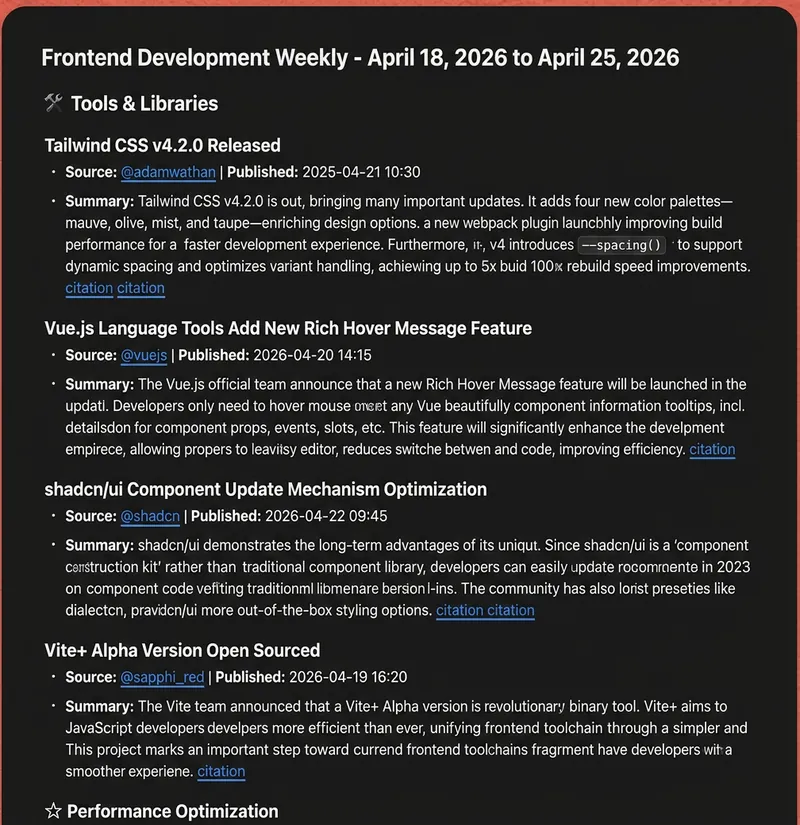
Frontend Weekly Twitter/X Scan
Automatically scans the X accounts of 65 top frontend developers and organizations, filtering out the latest tools, framework updates, best practices, and development tips. Designed specifically for frontend developers, focusing on practical technologies, performance optimization, new features, and workflow improvements.
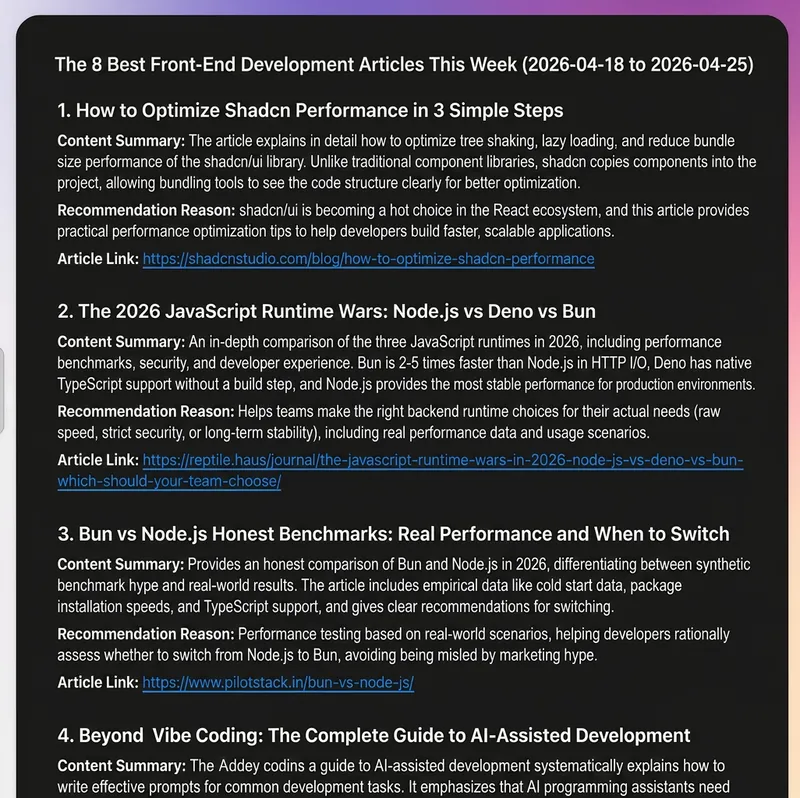
Top Frontend Articles This Week
Automatically scans the latest updates from 65 top frontend developers and organizations, naturally acquiring high-quality technical articles, blogs, and official documentation through optimized search strategies. Designed for frontend developers, focusing on practical techniques, performance optimization, new features, and workflow improvements.
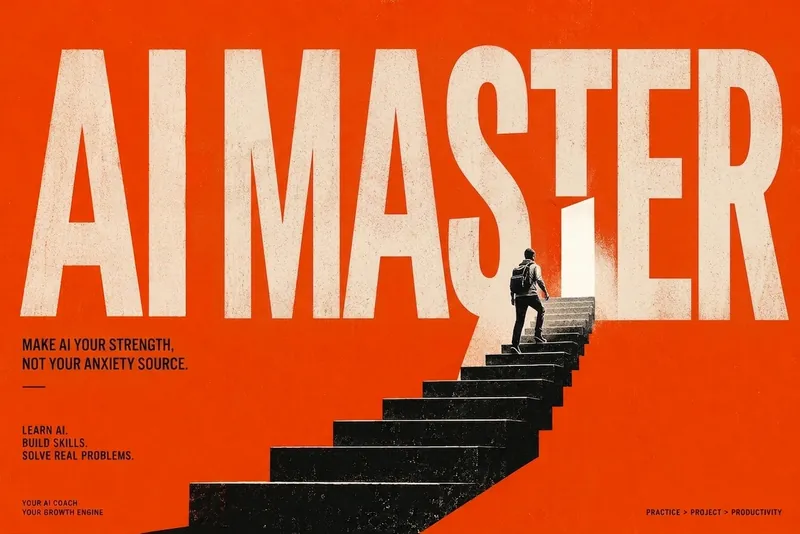
AI Learning Master
AI Learning Master is your dedicated AI training coach, designed to help you systematically master AI tools and skills through hands-on projects, ensuring you can truly apply what you learn. Whether you're an AI novice or an experienced developer looking to advance, this skill tailors a personalized learning path based on your programming background, AI tool experience, and learning goals. You will go through a series of carefully designed practical exercises, gaining proficiency with mainstream AI tools like ChatGPT and Claude, and diving into core capabilities such as AI programming collaboration, prompt engineering, agent design, and Skill/Workflow automation. Around a central project running throughout, you will build your own AI applications—for example, an AI programming assistant workflow, an AI content production system, or an AI automated office assistant—ensuring that you not only understand concepts but can also independently complete real-world projects. This skill will serve as your AI learning coach, programming mentor, and project reviewer, providing comprehensive guidance from diagnosis and roadmap planning to daily tasks, homework feedback, and review. Each training session emphasizes a complete capability loop, ensuring that every learning experience produces a clear outcome and professional evaluation with improvement suggestions. The difficulty is dynamically adjusted based on your performance, keeping the learning process both challenging and suited to your actual abilities. Through AI Learning Master, you will gradually build your own AI capability map, covering dimensions such as tool usage, prompt design, programming collaboration, agent design, Skill packaging, and project delivery. We will guide you from no-code prototypes to agent systems, ultimately achieving full project delivery—so you not only master AI technology but also transform it into powerful productivity for solving real problems.
Information
- Version
- v2
- Last updated
- Runtime credits
- Usage-based
- Models
- Auto
