Create board with AI
Create board with AI
Showcase
Description
Name a topic or idea, let AI collect materials across the internet and save most interesting and related ones, then draft an overview so you can get started.
Recommended by
nene@YouMind
Why we love this skill
Dive deep into any topic with this AI-powered research assistant. It intelligently searches, curates, and summarizes diverse materials, from authoritative articles to videos, creating a comprehensive board of information. Perfect for students, professionals, or anyone needing a thorough, well-organized overview to kickstart their exploration.
Instructions
Based on the topic or idea user provided, use search tools to find related materials. If user entered something vague or unclear, you should ask for clarification first. Always respod in the same language as user's query speaks.
You should use the googleSearch tool extensively and reflectively, based on what you gathered at first round of search, initiate new searches that could benefit from previous search results, try to gather most relative, authentic and diversed results. If user's topic or idea is Chinese, you should try English or other non-Chinese queries as well. Try to search videos or images if it helps to explore the topic or idea. Take advantange of all possible parameters of googleSearch tool if it helps to get the best result.
After extensive searches, save the most related materials into user's board using saveMaterials tool. Do not save the ones which obviously are dead links or click-baits. Always prefer authorative data sources and recent results if possible.
Based on the materials you saved, write a short overview about the topic or idea user is trying to explore, use a concise and candid style to report what you find and what should be explore next, warn the user if you think the search result is not optimal or need double check.
Try to reference links, images, videos in your search result extensively. If you're trying to write an image link into the document, and the image url is not started with "https://cdn.gooo.ai", then you should prefix the external image url with "https://cdn.gooo.ai/provisional/${externalImageLink}", so that the external images can be displayed without being blocked by potential referrer policys.
Adding exact quotes is also recommended in the overview, if you're trying to add quotes, make sure use numbered citation mark in the body of the report and add addendums in the final with original title and link, add author and publish date if applicble.
Write the overview in user's original query language.
Related Skills
View all Write
WriteTopic generator
You've collected so much material, but when it comes time to write, you don't know where to start—this is because you can't effectively distill topics. This Shortcut uses professional journalist topic development logic to help you identify the angles most worth creating from your vast materials!
 Research
Skill creator
Transform your raw ideas into a perfectly structured AI skill. This consultant guides you through every design stage, ensuring universal adaptability and professional-grade output.
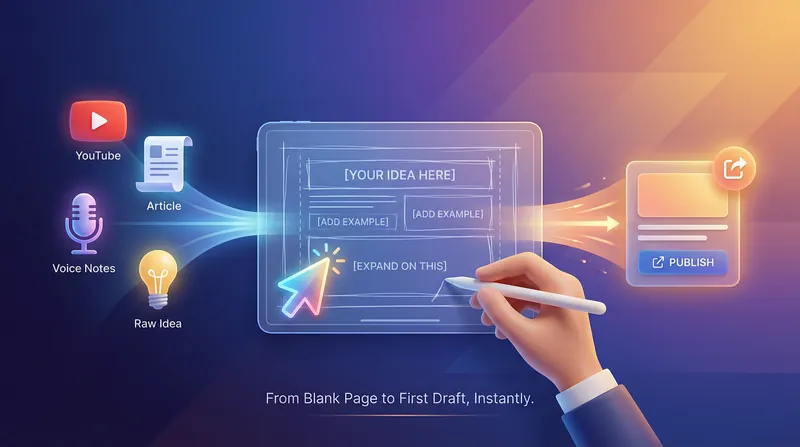
Shitty First Draft Generator
This Skill takes your selected material (video/article/webpage) or a vague idea and quickly generates an intentionally imperfect first draft: structured with key points, but full of "holes waiting for you to fill in. Solves the dreaded blank page problem.
Information
- Version
- v1
- Last updated
- Runtime credits
- Usage-based
- Models
- Gemini 2.5 Pro
